A practical guide to GM cylinder deactivation
GM Trucks and SUVs Have a Feature That Can Put Extra Work on the Engine. Here’s What Owners Should Know.
AFM/DFM is designed to change how an engine runs. For owners concerned about lifter wear, understanding that system is a sensible place to start.
-

1. Cylinder deactivation means more activity inside the engine.
On engines equipped with AFM/DFM, the system can switch from full-cylinder operation to a reduced-cylinder mode and back again. Those changes rely on specialized lifter components. Every transition is another cycle for parts working inside the valvetrain.
-

2. Good maintenance matters—but it doesn’t switch the system off.
Keeping up with oil changes and service is important. But routine maintenance doesn’t remove cylinder deactivation or stop it from operating as designed. Lifter issues have been reported across vehicles with very different service histories and mileage.
-
3. A problem may become obvious only after damage has started.
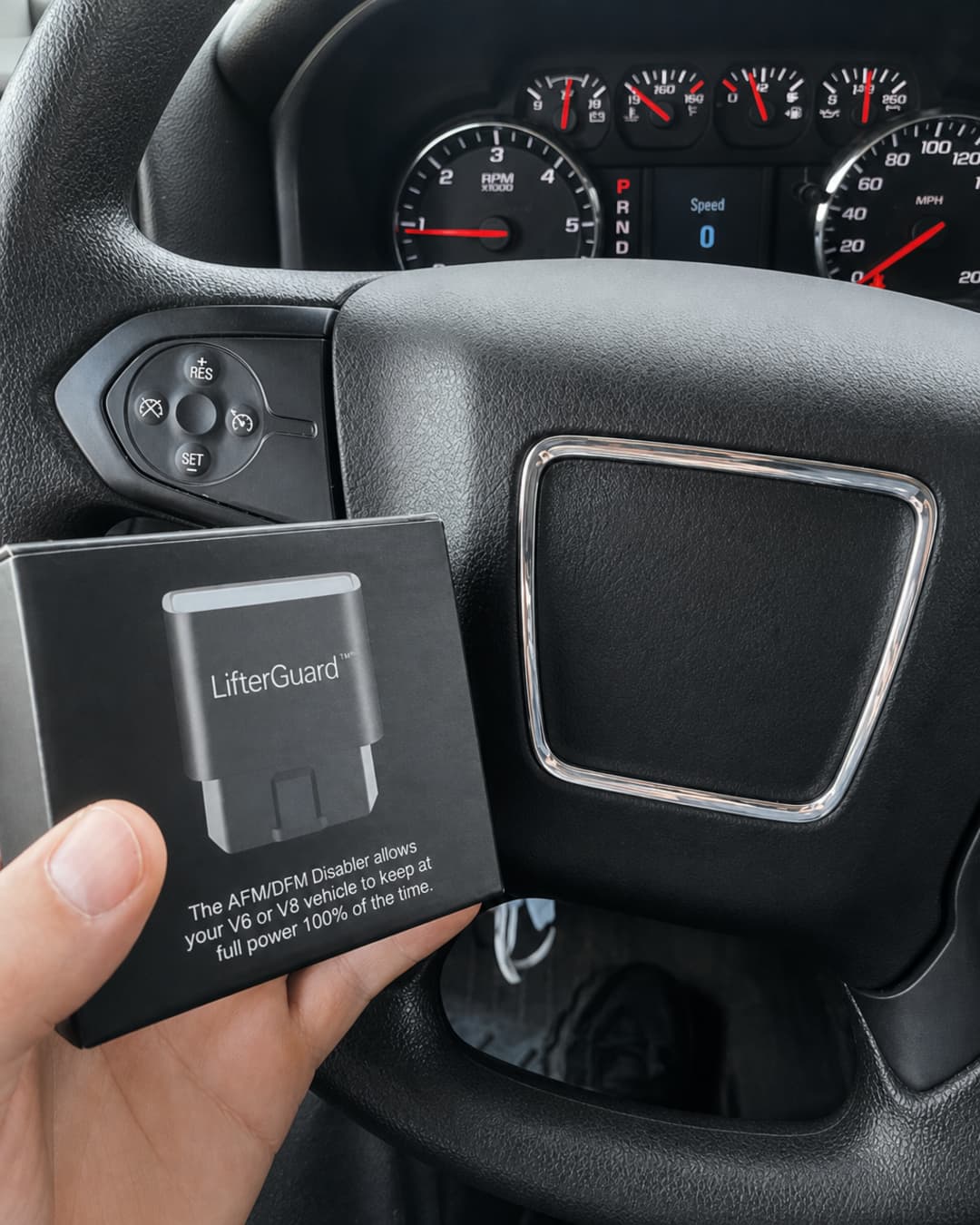
A lifter problem may begin with a tick or other unusual engine noise rather than a clear advance warning. If a camshaft or other internal parts are affected, the damage can extend beyond the original component. Pay attention to new sounds and have them properly diagnosed.
-
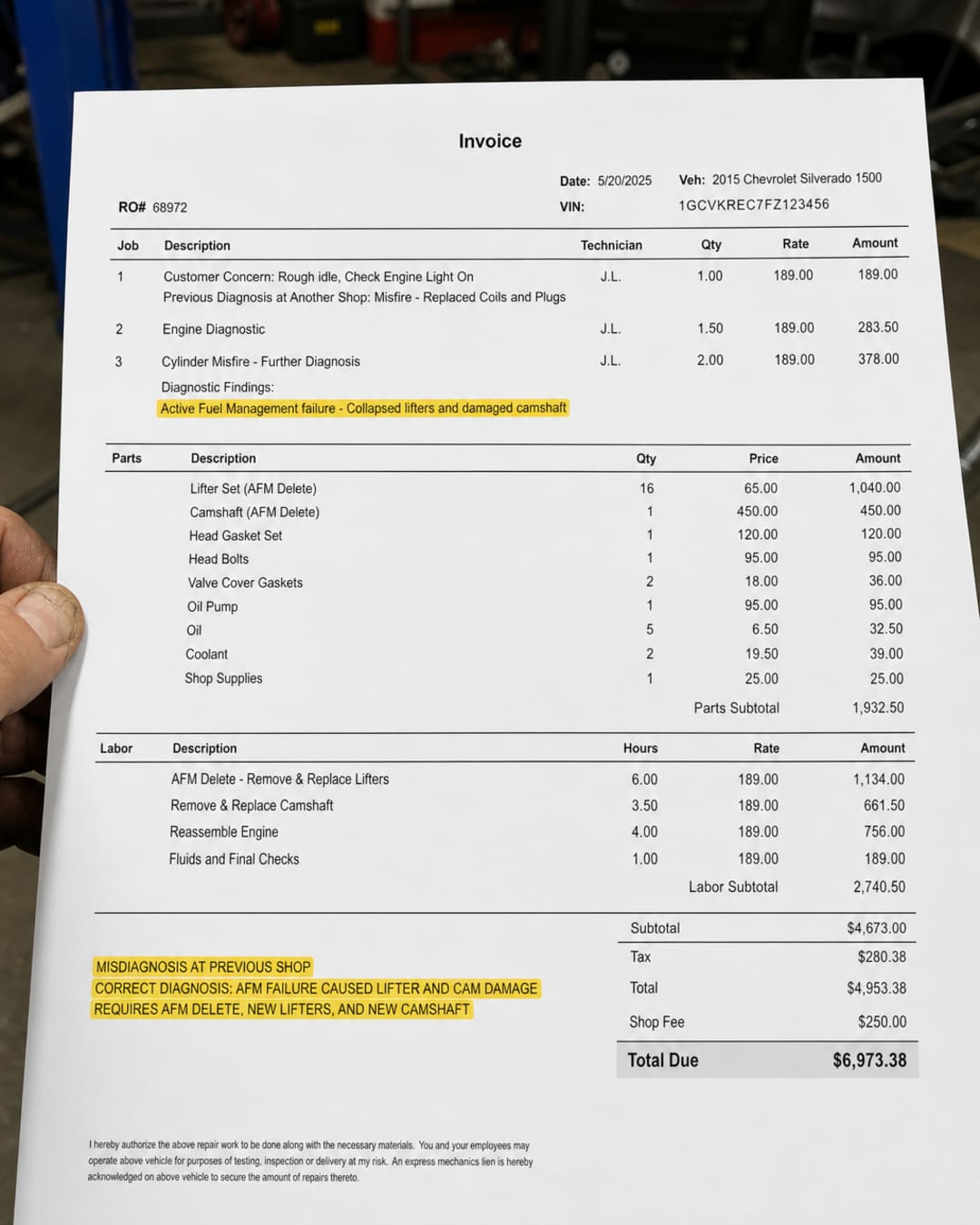
4. An internal engine repair can become a major expense.
The cost depends on the vehicle and how far a failure has progressed. A repair limited to the affected parts is one situation; damage that spreads through the engine can mean substantially more work. Some owners have faced repair bills of several thousand dollars.
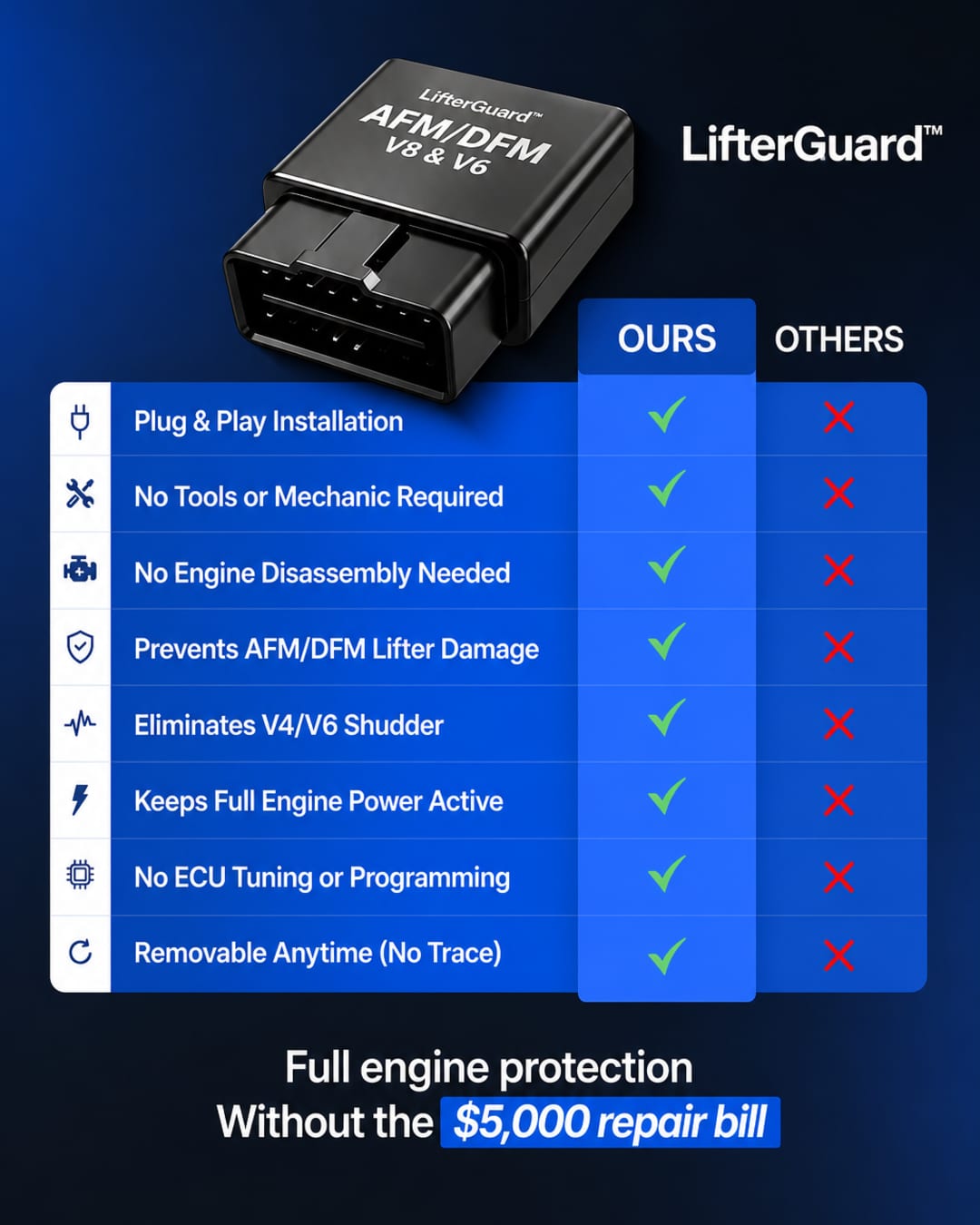
A plug-in option for equipped vehicles
Learn what LifterGuard™ does.
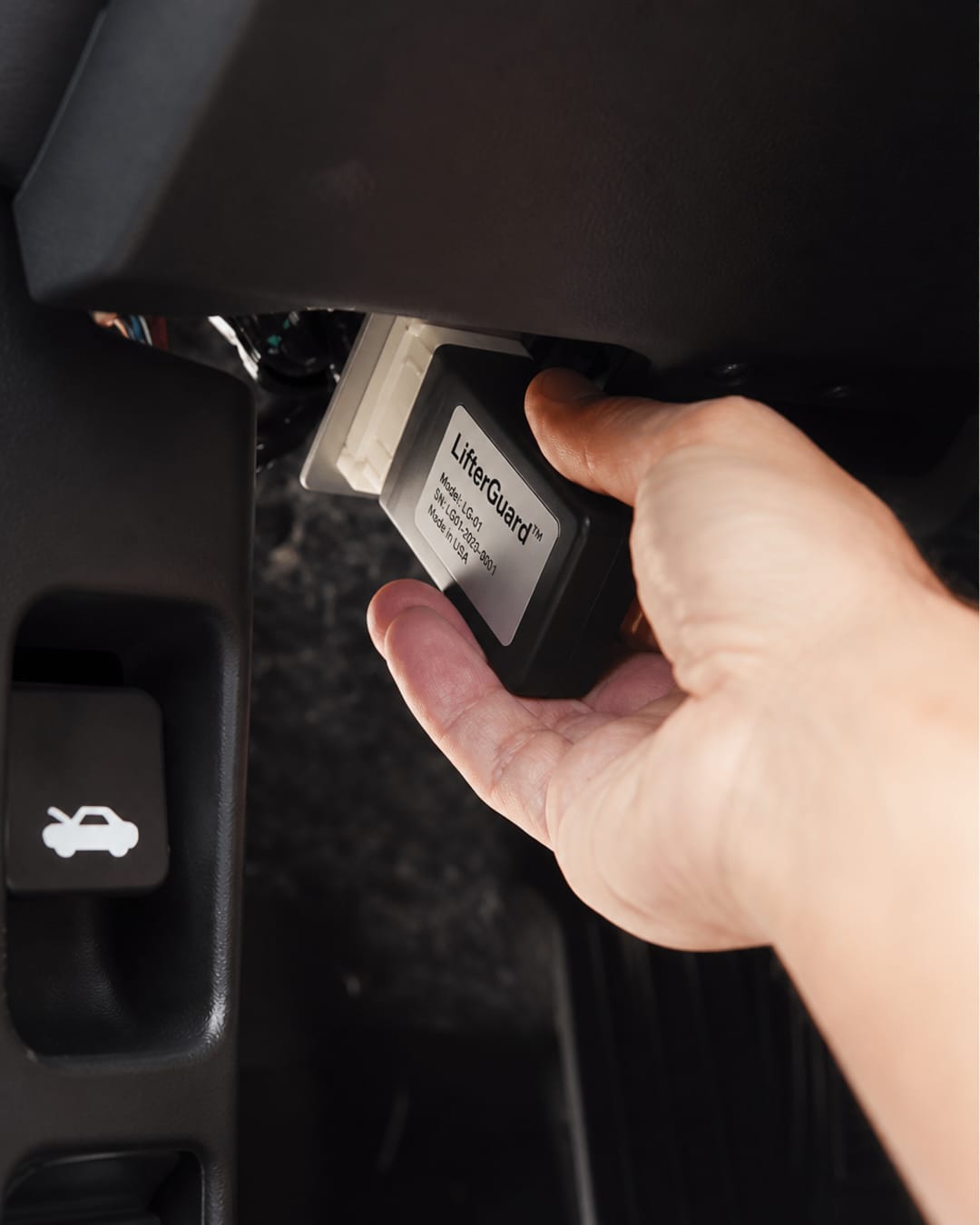
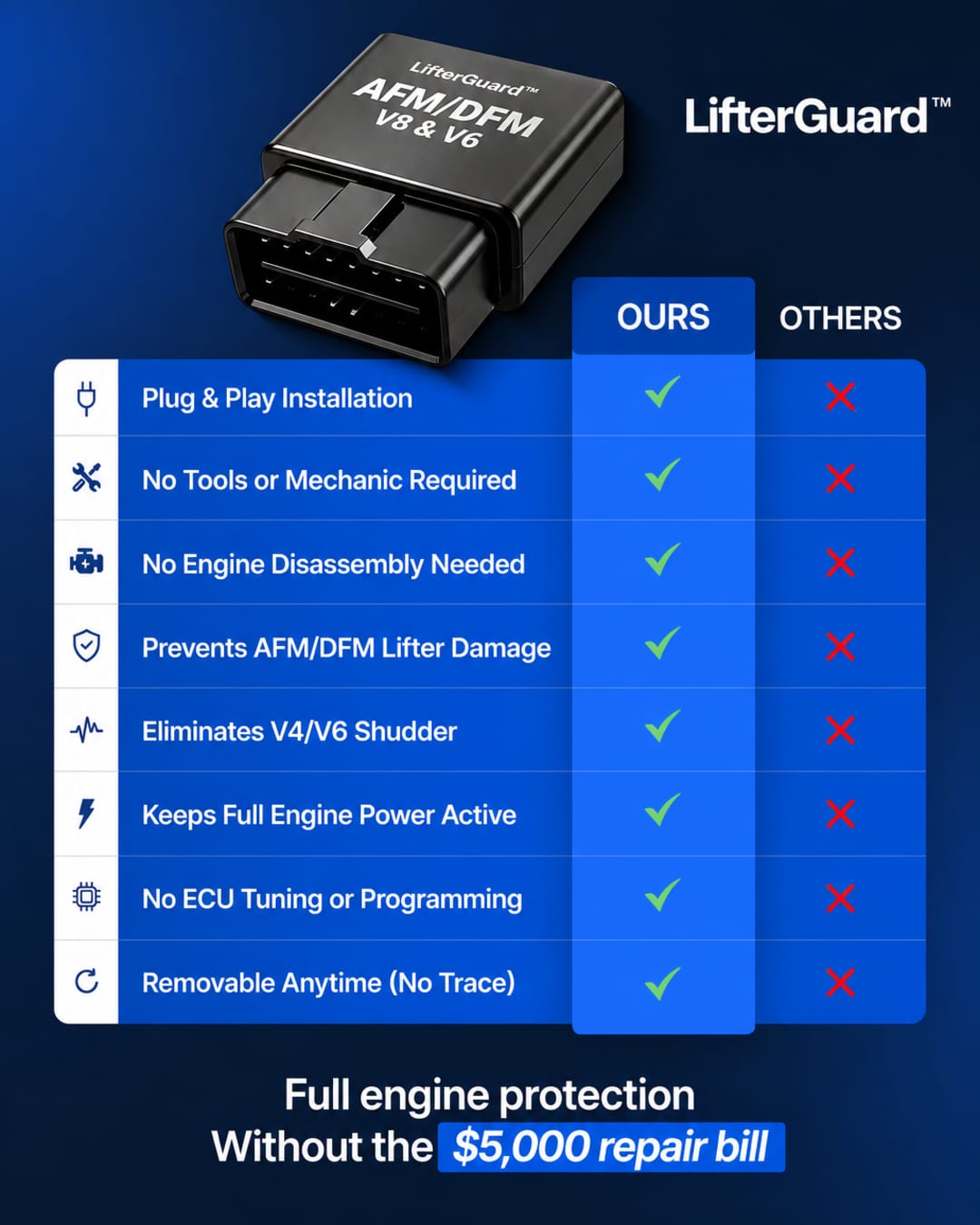
The module connects at the OBD-II port and helps keep AFM/DFM from engaging while it remains connected.
- Plugs into the vehicle’s OBD-II port.
- Designed for a straightforward, tool-free setup.
- Can be unplugged to return to the vehicle’s usual operation.
-

5. “Normal operation” isn’t a diagnosis.
A vibration or shudder can have more than one cause. If you’re told it is normal without a clear explanation, ask what was checked and whether AFM/DFM could be involved. A careful diagnosis is more useful than a quick reassurance.
-
6. Drivers are looking for a simple way to manage cylinder deactivation.
For owners who prefer full-cylinder operation, a plug-in disabler is a practical alternative to changing the engine’s calibration. The key is to confirm that the device is intended for your vehicle and its specific configuration.
-

7. A small OBD-II module can change how the system is commanded.
LifterGuard™ connects at the diagnostic port and blocks the AFM/DFM command while installed. There’s no need to reflash the engine computer, and the module can be disconnected when you want the vehicle to resume its standard setup.
Before you choose a device
Will it fit your vehicle?
AFM/DFM availability varies by model, engine, and year. Check the compatibility details for your exact vehicle before choosing a module.
Make an informed choice
Check the details for your vehicle.
Review how LifterGuard™ connects, what it does, and whether it matches your vehicle’s setup.
- Confirm the specific model and engine fitment.
- See the installation and use information.
- Read the product details before deciding.
A straightforward place to start
How to get started with LifterGuard™
Before connecting any module, verify compatibility and follow the instructions provided for your vehicle.
- Confirm your vehicle’s fitment. Match the model, engine, and year against the compatibility information.
- Connect at the OBD-II port. Use the installation guidance supplied for the module and vehicle.
- Drive with more clarity. Know what the device changes—and remember that it does not repair existing engine damage.
Learn more
Understand the system before you decide.
See the LifterGuard™ product details and confirm whether it’s designed for your vehicle.
Explore LifterGuard™ →